Question paper making begins with learning goals
Start by stating what the paper should reveal. Do you want to check recall, a mathematical method, reading comprehension or the ability to explain a concept? A useful paper can include more than one goal, but the teacher should know what each question contributes. This makes question selection purposeful rather than simply filling a page.
Next, list the chapters and topics actually taught. Avoid treating chapter completion as proof that every exercise or subtopic received equal attention. A brief teaching record helps identify content that students have practised and content that still needs explanation before formal assessment.
Use a small blueprint to guide selection
A blueprint can be a simple table with chapter, learning goal, question format and marks. For example, a school-designed 20-mark practice test might use four one-mark MCQs, four two-mark questions and two four-mark questions. This is an illustrative allocation, not an official board pattern. It totals 20 marks and leaves clear places for different response demands.
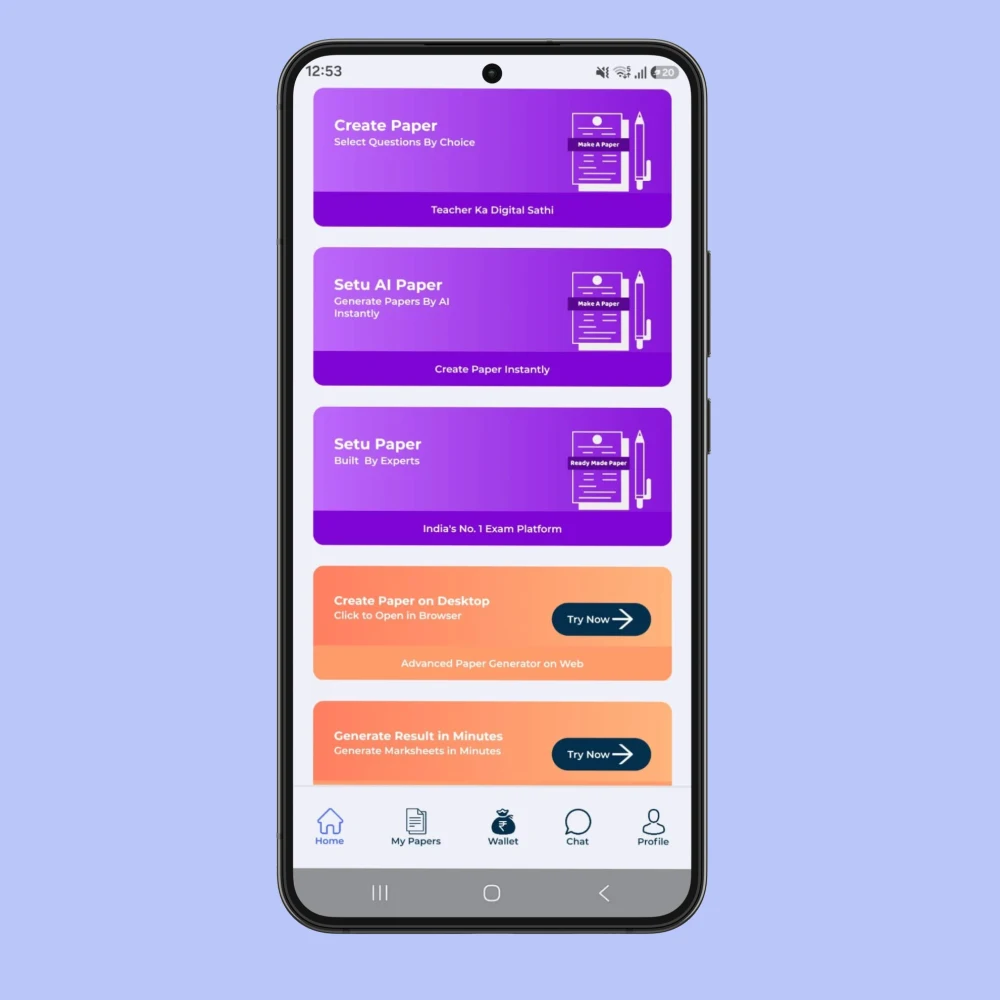
Within that plan, choose the actual questions in Shala Setu. A fill-in-the-blank can check precise vocabulary; a short answer can ask for an explanation; a case-based question can test the use of information in a situation. However, changing the label of a recall question does not automatically make it a higher-order task.
Make the wording and answer expectations match
Read the instruction word carefully. Identify, describe, compare and justify ask learners to do different things. A question asking for a comparison should have an answer key that recognises the relevant similarities or differences. If the question requests two reasons, the marks and answer expectations should make those two reasons visible.
Also look for clues that unintentionally reveal answers elsewhere in the paper. Repeating the same fact in an MCQ and a later explanation can make one item answer another. Where repetition is deliberate, use it to assess a different skill rather than accidentally awarding marks twice for the same recall.
Finish with a student-view check
Check numbering, section instructions, optional questions and the maximum marks. Preview school name and logo, then inspect the layout at the size students will receive. A readable paper needs sufficient spacing, complete question text and correctly attached diagrams or passages. Printing one proof copy can reveal problems that are easy to miss on a small screen.
After the test, note which questions produced unexpected confusion. That record can improve the next assessment and inform a follow-up worksheet. For a more focused workflow, see the Shala Setu question paper generator guide.
Frequently asked questions
What is the first step in question paper making?
Define the learning you want to assess and identify the taught chapters. Then decide question formats, marks and duration.
How many question types should I include?
Use the types that match your learning goals and course requirements. A short classroom check may need fewer types than a longer examination.
Can a worksheet become a test paper?
Some questions may be reused, but the test still needs suitable timing, marks, instructions and coverage. Review the assessment purpose before converting it.
Official references for your teaching context
Use these public education sources to check the prescribed book, course and available resources. Choose the relevant class, medium and academic session before applying a document to your school.
Put the guide into practice
Start with your class and taught content, then review the result before using it with students. Question papers, worksheets, lesson plans and jobs use the shared Shala Setu login.
Open Shala Setu →