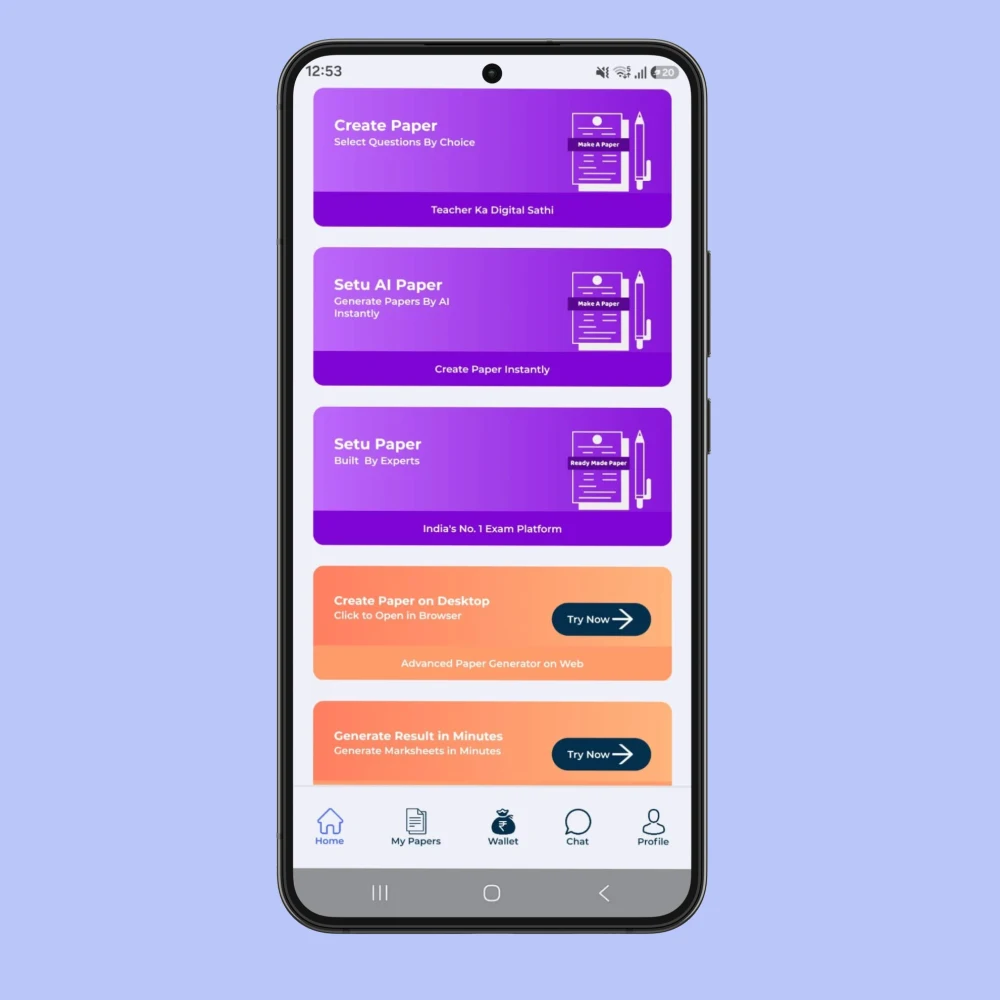
Using a question paper maker app for a real classroom
A paper starts with a teaching decision: which learning should students demonstrate? For a daily check, select the topics taught that day. For a unit test, include the important ideas across the completed chapter. First decide the purpose, then choose questions. This keeps a convenient app workflow connected to the lesson instead of letting the available question list decide the assessment.
Shala Setu is designed for teachers and schools working with Classes 1–12. Its question bank contains real book questions and answers, according to the platform's product information. However, teachers should still confirm that the selected book, medium and chapter match their class. Similar subject names across boards do not always mean identical content.
Select, preview and prepare the paper
Begin with the school profile and check the school name and logo. Next, choose the board or course, class, subject and chapters available for that selection. Use a suitable mix of MCQs, fill-in-the-blanks, short answers and longer questions. Then check the total marks, instructions and answer key before saving the paper.
The no-typing workflow reduces repetitive preparation, but it does not remove the teacher's review. For example, an apparently simple MCQ can become confusing if two options are equally defensible. Likewise, a long answer may need more time than its marks suggest. Preview the paper as a learner would read it, including page breaks and any diagrams.
Choose an output that fits the next step
A PDF is useful when the approved layout needs to remain consistent for printing or sharing. A Word file is useful when a teacher needs to make further changes, such as adjusting instructions or school-specific formatting. After editing a downloaded file, compare the final questions and marks with the answer key. Changes made outside the app should not be assumed to update other files automatically.
Keep the teacher's answer copy separate from the student paper. A clear filename can include the class, subject, assessment name and date. This small habit makes the approved copy easier to identify when several teachers or office staff handle the printing.
Review a sample before a full school assessment
Try a small chapter test first. Check the wording, question choices, answer explanations and space for responses. This helps you understand the workflow before preparing a longer half-yearly or annual paper. If the school uses Hindi and English medium, review subject terminology in the actual medium required.
For the next step, open the Shala Setu question paper maker or read the chapter-wise question selection guide. These resources connect the app workflow with decisions about coverage and difficulty.
Frequently asked questions
Does no typing mean no review is needed?
No. Teachers should review the selected questions, answers, marks, instructions and final layout. No typing refers to selecting available questions instead of manually re-entering them.
Can I include my school name and logo?
Shala Setu supports school name and logo on question papers. Check the school profile and the final preview before printing.
Which file should I use for printing?
Use the approved PDF when you want to preserve the layout. Use Word for further editing, then check the final document and answer key again.
Official references for your teaching context
Use these public education sources to check the prescribed book, course and available resources. Choose the relevant class, medium and academic session before applying a document to your school.
Put the guide into practice
Start with your class and taught content, then review the result before using it with students. Question papers, worksheets, lesson plans and jobs use the shared Shala Setu login.
Open Shala Setu →